DistributorItem
apps/www/src/sections/DistributorItem.astro · 57 lines · group Models (product catalog)
In the fleet
Used on 1 site built with this engine.
Samples 1
<ModelPageSection>
Station N3 — for several fields
The station that carries leaf wetness, wind and an expansion port, and still runs a full season on one battery. Mounts on a standard post with a single bolt.
Communication protocol
- Radio protocol
Error codes
For the full list of error codes and what they mean, click here
Highlights
Cloud or your own server
The same software, either in our cloud or inside your network.
A week of buffer
The gateway keeps reporting when the uplink is away.
Field-swappable
Sensors change by hand, with no tools and no service visit.
Distributors

Almara Agri

Kestrel Supply
Certification
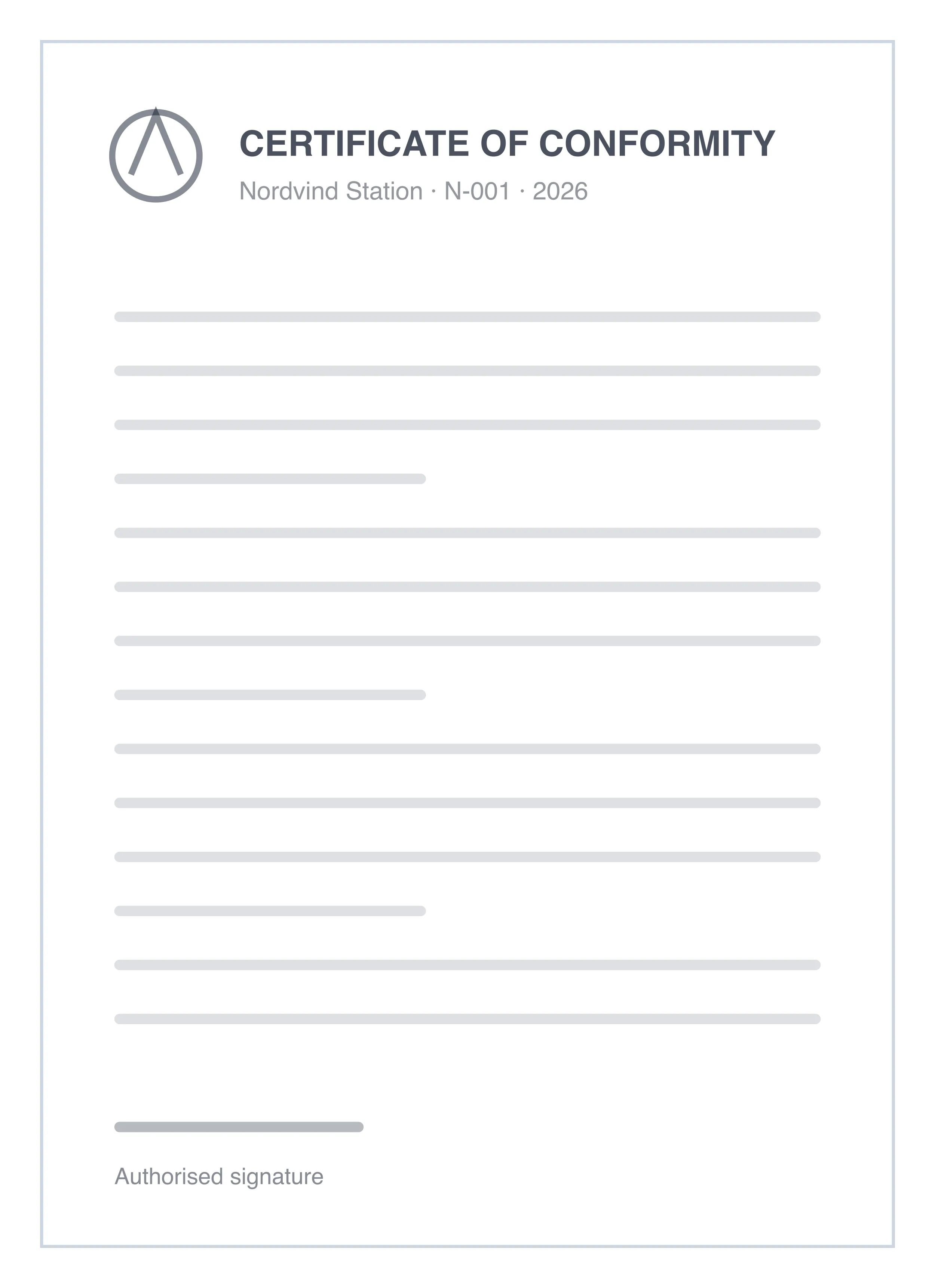
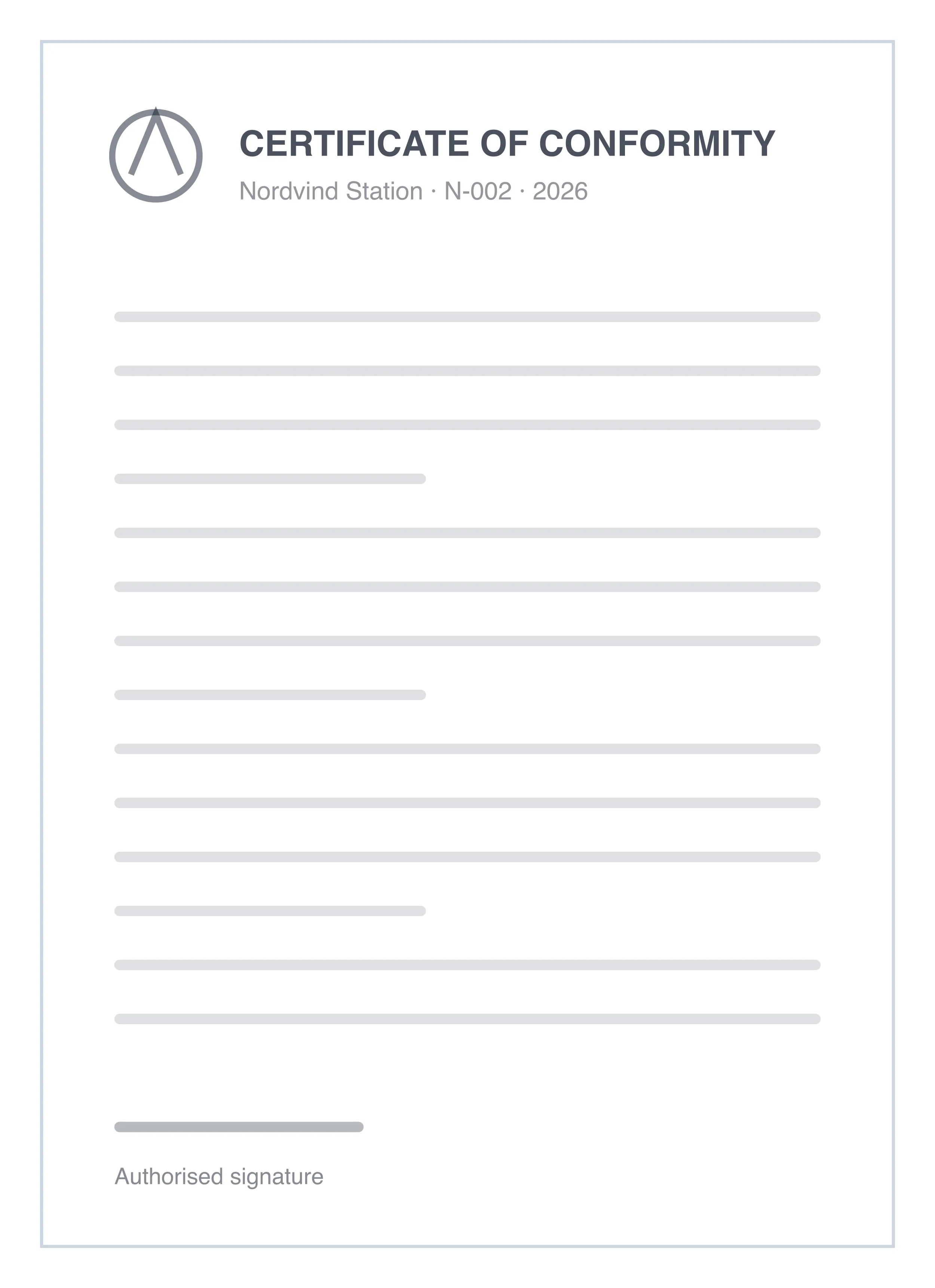
Certificate of conformity
Every station carries a label with the certificate that applies to it. An example is shown here; the full list is published by the certification body.
For the full list of certificates click here
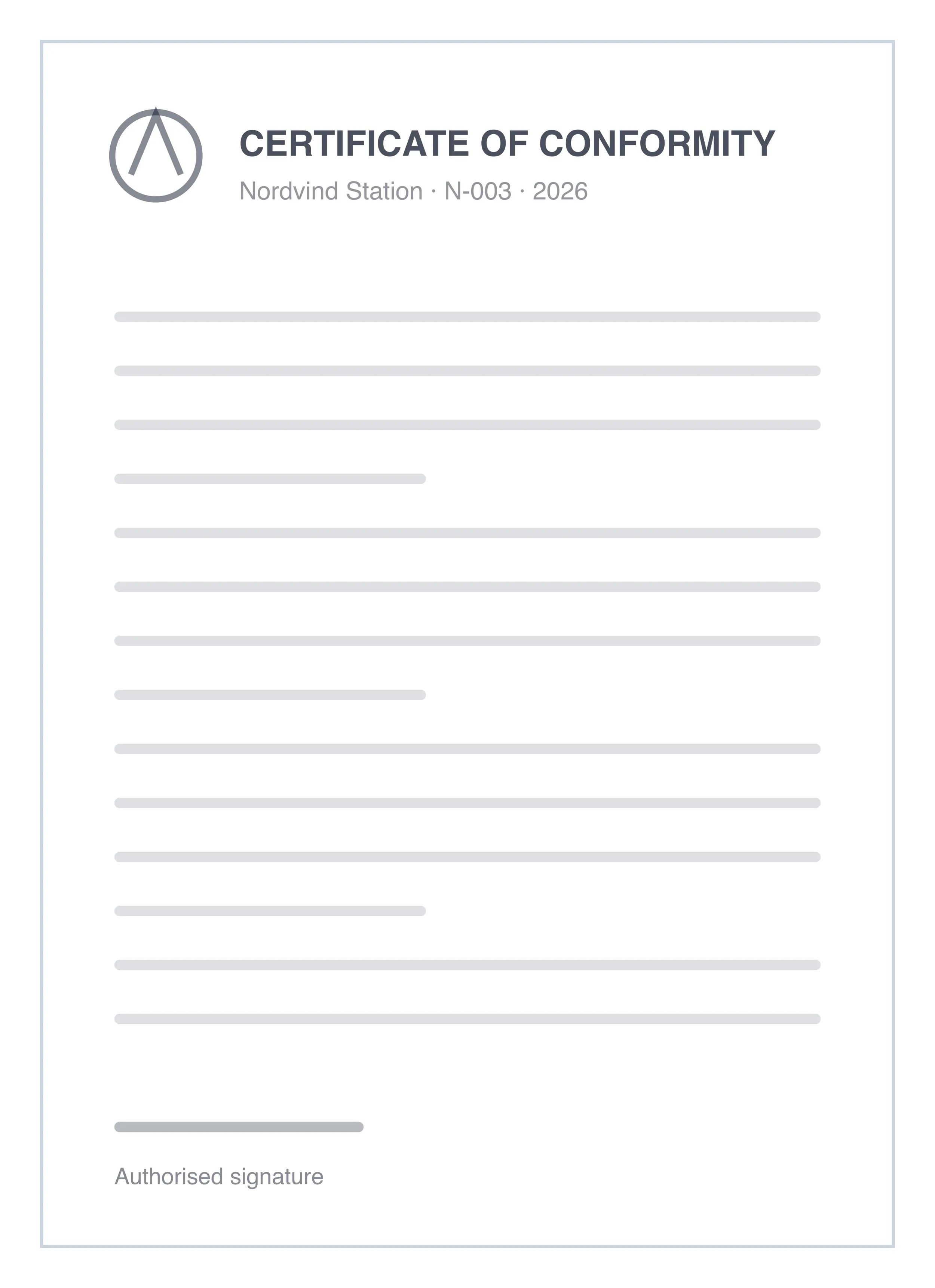
The technical specification lists the sensors, the ranges and the accuracy of each channel, together with the radio bands the station is approved for.
MDX of this sample
import BoltIcon from 'astro-heroicons/outline/Bolt.astro';
import SignalIcon from 'astro-heroicons/outline/Signal.astro';
import CloudIcon from 'astro-heroicons/outline/Cloud.astro';

<ModelPageSection
  modelTitle="Station N3 — for several fields"
  modelDescription="The station that carries leaf wetness, wind and an expansion port, and still runs a full season on one battery. Mounts on a standard post with a single bolt."
  modelImgName="product-01.jpg"
  certificatesText={['For the full list of certificates click', 'here']}
  certificatesUrl="https://example.com/"
  licenseSectionTitle="Certification"
  licenseTitles={['Certificate of conformity']}
  licenseContent={[
    'Every station carries a label with the certificate that applies to it. An example is shown here; the full list is published by the certification body.',
  ]}
  certificateImgNames={["document-01.png", "document-02.png"]}
  techSpecContent={[
    'The technical specification lists the sensors, the ranges and the accuracy of each channel, together with the radio bands the station is approved for.',
  ]}
  techSpecImgNames={["document-03.png"]}
>
  <AttachmentsSection title="Attachments">
    <AttachmentItem fileName="Certificate" file="/downloads/certificate.pdf" downloadText="Download" />
    <AttachmentItem fileName="Technical specification" file="/downloads/spec.pdf" downloadText="Download" />
  </AttachmentsSection>
  <AttachmentsSection title="Communication protocol">
    <AttachmentItem fileName="Radio protocol" file="/downloads/protocol.pdf" downloadText="Download" />
  </AttachmentsSection>

  <ErrorCodesSection
    title="Error codes"
    clickText={['For the full list of error codes and what they mean, click ', 'here']}
    linkPath="/api/#error-codes"
  />

  <HighlightsSection title="Highlights">
    <HighlightItem name="Cloud or your own server" description="The same software, either in our cloud or inside your network." IconImg={CloudIcon} />
    <HighlightItem name="A week of buffer" description="The gateway keeps reporting when the uplink is away." IconImg={SignalIcon} />
    <HighlightItem name="Field-swappable" description="Sensors change by hand, with no tools and no service visit." IconImg={BoltIcon} />
  </HighlightsSection>

  <DistributorsSection title="Distributors">
    <DistributorItem title="Almara Agri" email="hello@almara.example" phone="+46 8 123 45 67" imageName="logo-02.png" />
    <DistributorItem title="Kestrel Supply" email="sales@kestrel.example" phone="+47 22 12 34 56" imageName="logo-03.png" />
  </DistributorsSection>
</ModelPageSection>
Props
| Name | Type | Required | Default | Description |
|---|---|---|---|---|
| imageName | string | |||
| title | string | yes | ||
| string | yes | |||
| phone | string | yes |
Source apps/www/src/sections/DistributorItem.astro @ gitt.one
---
import { Image } from 'astro:assets';
import Envelope from 'astro-heroicons/solid/Envelope.astro';
import Phone from 'astro-heroicons/solid/Phone.astro';

import { resolveImage } from '../lib/images';

interface Props {
  imageName?: string;
  title: string;
  email: string;
  phone: string;
}

const { imageName, title, email, phone } = Astro.props;
const image = imageName ? await resolveImage(imageName) : undefined;
---

<div class="flex flex-col rounded-lg shadow-lg overflow-hidden">
  {
    image && (
      <div class="flex-shrink-0 lg:min-h-[8rem] lg:flex items-center">
        <Image
          src={image}
          alt={title}
          widths={[400, 840]}
          class="h-auto max-h-72 m-4 w-full object-cover"
        />
      </div>
    )
  }
  <div class="flex-1 bg-white p-4 flex flex-col justify-between">
    <div class="flex-1">
      <div class="block mt-2">
        <p class="text-xl font-semibold text-gray-900">{title}</p>
        <div class="mt-3 text-base text-gray-600 grid gap-2">
          <div class="flex text-base">
            <Envelope class="flex-shrink-0 w-6 h-6" aria-hidden="true" />
            <a
              class="ml-3 text-primary-600 hover:text-primary-500"
              href={`mailto:${email}`}
            >
              {email}
            </a>
          </div>
          <div class="flex text-base">
            <Phone class="flex-shrink-0 w-6 h-6" aria-hidden="true" />
            <a class="ml-3 hover:text-primary-500" href={`tel:${phone}`}>
              {phone}
            </a>
          </div>
        </div>
      </div>
    </div>
  </div>
</div>
Source links point to engine-astro@38c294d9. Samples are demo content: the components are the real ones, the copy and the pictures are made up.