HeroCoverpopularsections/HeroCover.astroon 3 sites of the fleet
HeroCover — the first screen with a full-bleed photo under the brand gradient and the text centered over it. `overlapNext` keeps room under the text for a card row that hangs over the section's edge (FeatureCards overlap); set it false when nothing follows.
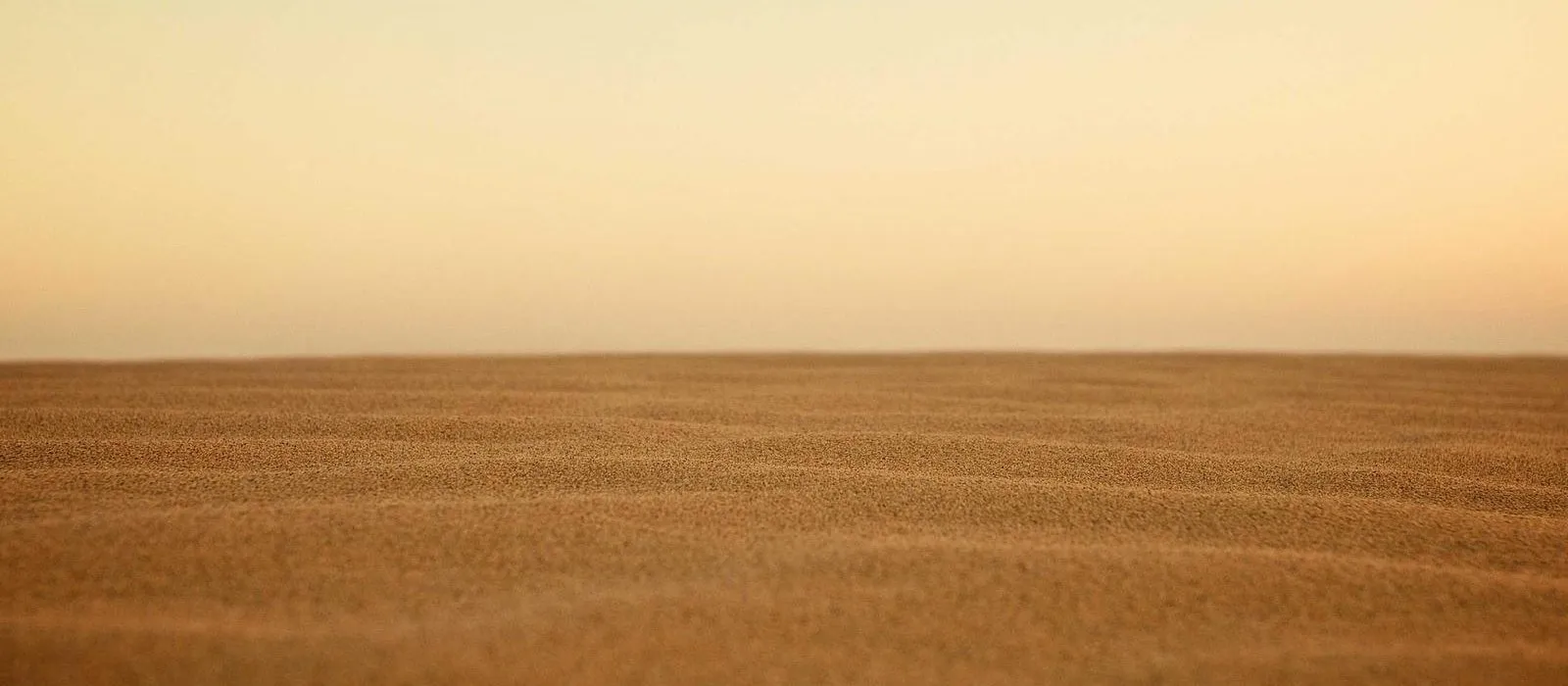
Weather that pays offin the field, not on a grid cell
A station you install in an hour and forget about for a season. Frost, wind and leaf wetness measured inside the crop, not at the airport twenty kilometres away.
HeroSplitpopularsections/HeroSplit.astroon 3 sites of the fleet
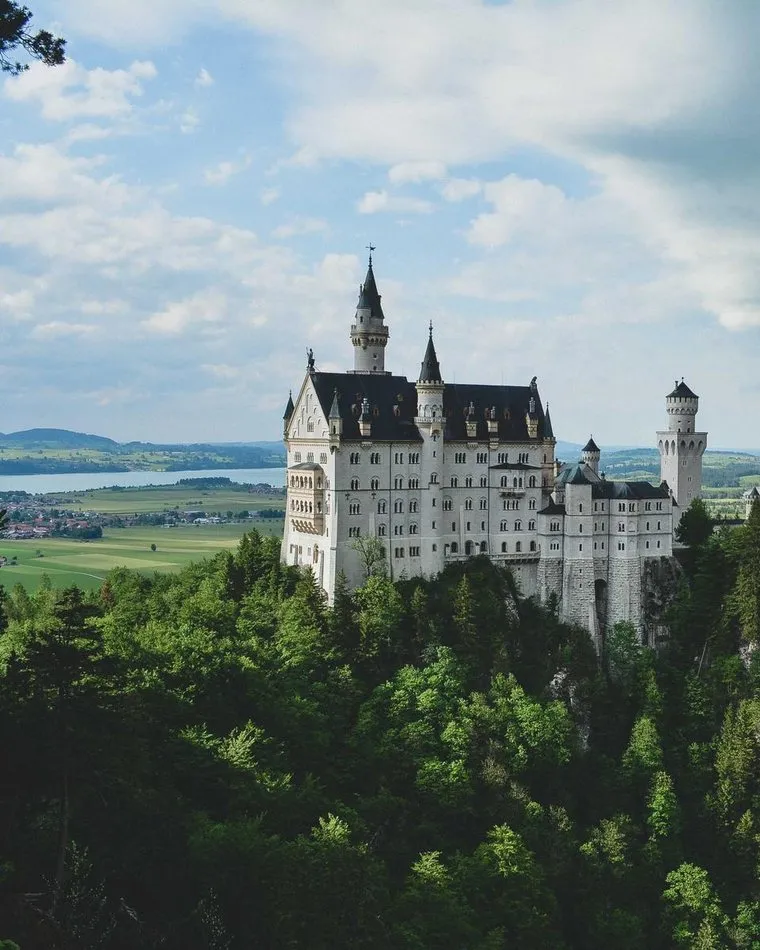
HeroSplit — the first screen with the text on one side and the picture on the other. `imageSide` puts the picture left or right; `theme="dark"` sets the text on a stone band. imageFit="contain" shows the picture whole, hugging the section's bottom edge — for product shots. Only a PORTRAIT picture looks right here: a landscape one sinks into the bottom corner and leaves the top of its half empty (Kirill, 2026-09-08). For a landscape photo use imageFit="cover" or HeroCover. imageFit="cover" fills the picture half edge to edge behind a diagonal that hands the band over to the photo.
Nordvind Station N3Two-year battery, one bolt
Sensors come calibrated and swap in the field without tools. The housing survives the winter outdoors, and the radio reaches the gateway from four kilometres away.
HeroTextsections/HeroText.astro
HeroText — the first screen without a picture: title, pitch and buttons, centered. For a page that opens with words alone.
Frost alerts that arrive in timenot a forecast — a measurement
Set a threshold once and the alert finds you by SMS, e-mail or in the app, early enough to start the fans.
Source links point to engine-astro@38c294d9. Samples are demo content: the components are the real ones, the copy and the pictures are made up.